User Journey

Documentation step 1 icon
Step 1

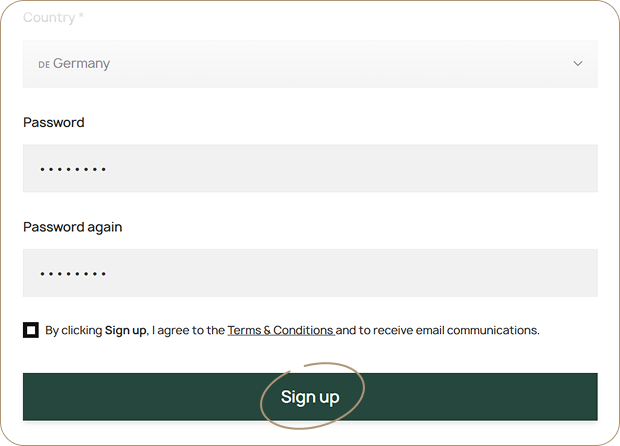
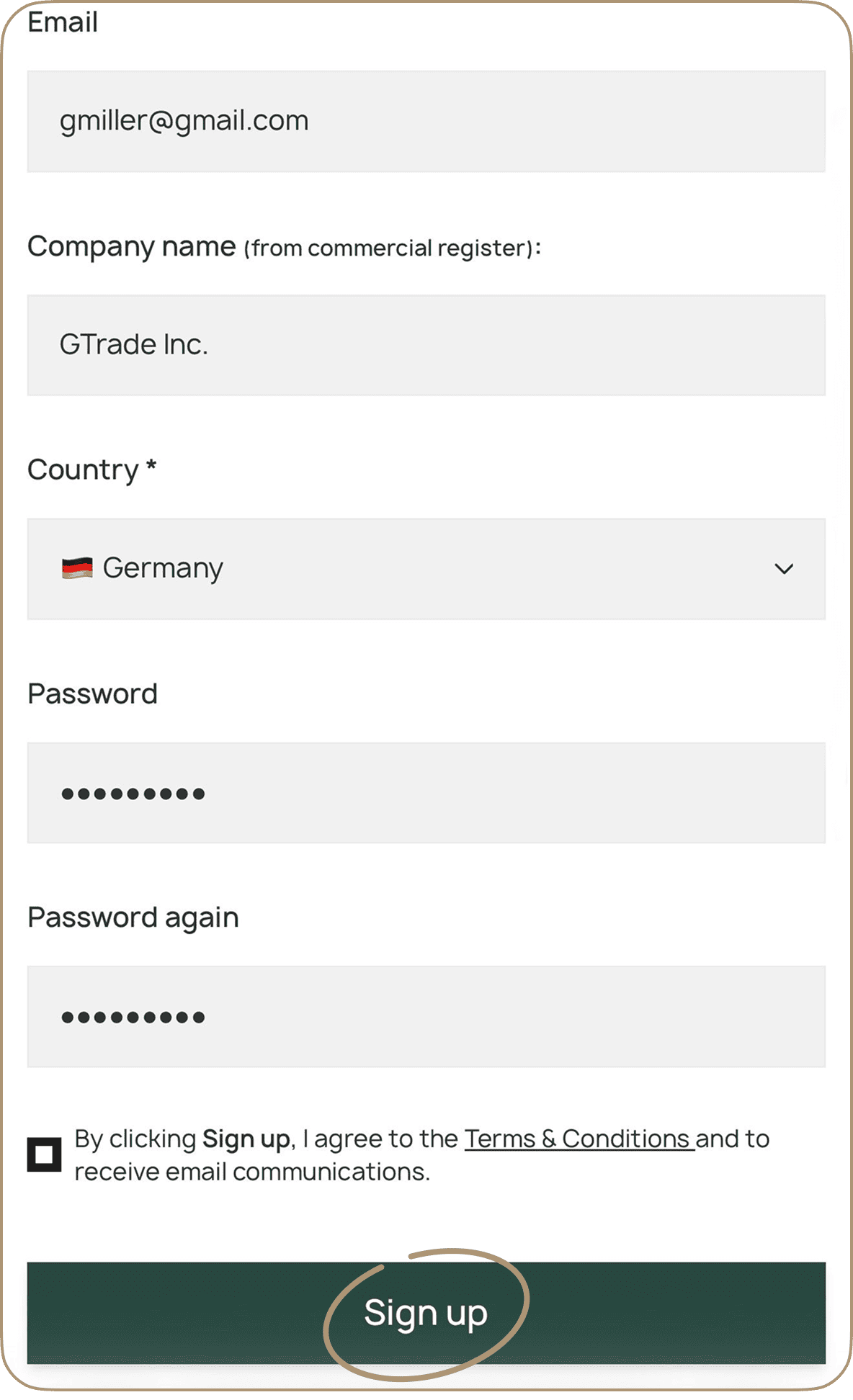
Go to bitlink.ch website and press «Sign up».

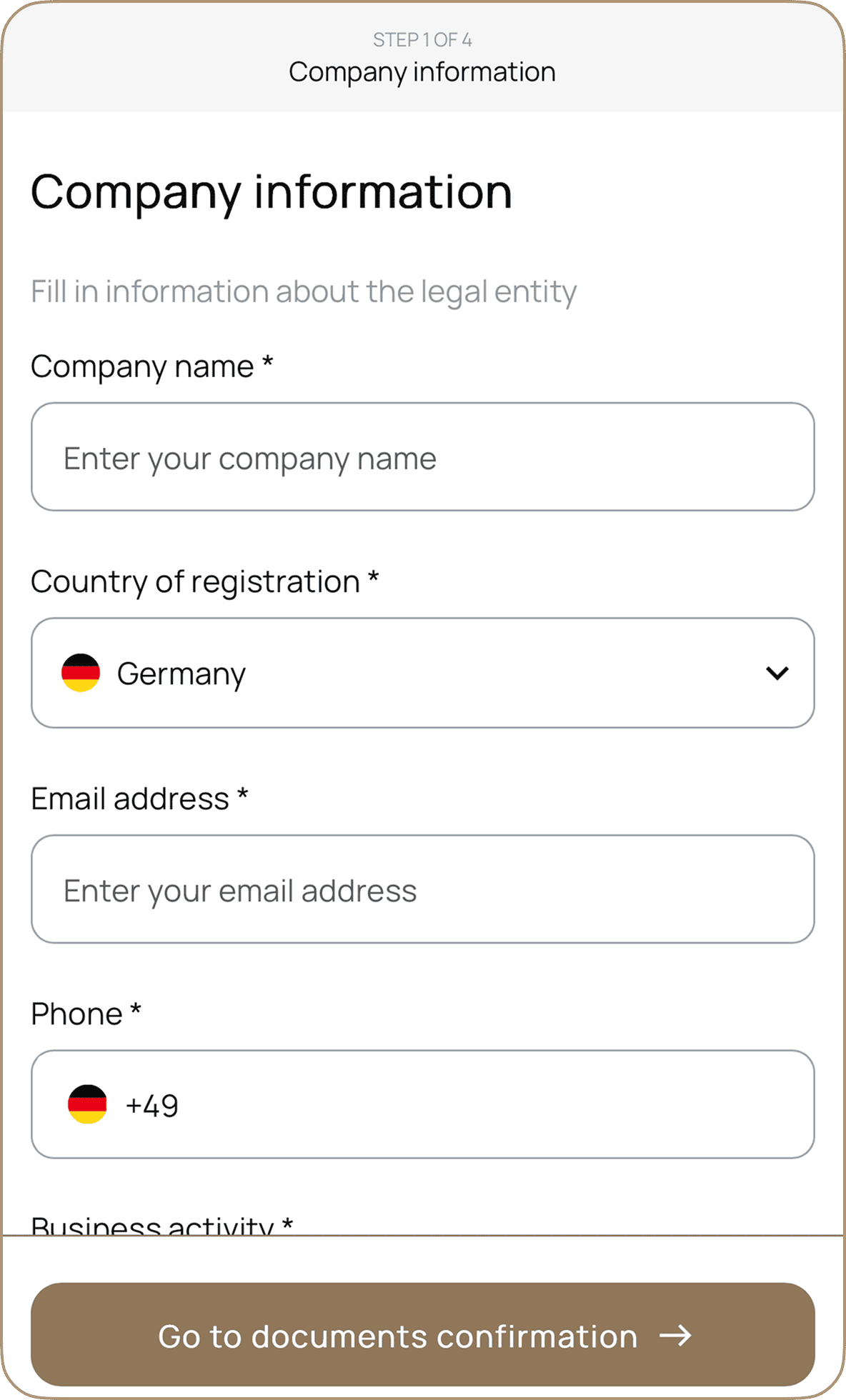
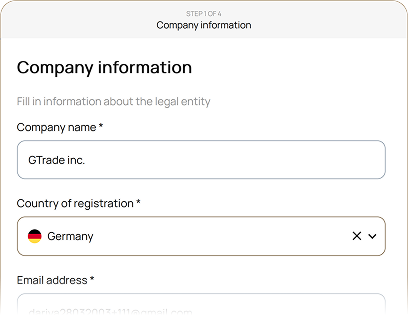
Enter your company and representative details.

Documentation step image Documentation step mobile image
Documentation step 2 icon
Step 2

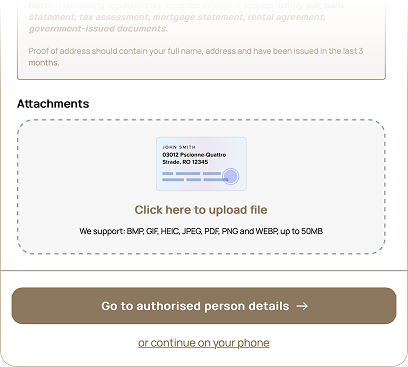
Complete remote account verification.

After successful completion your account status will be updated to «Approved».
Documentation step image Documentation step image Documentation step mobile image
Documentation step 3 icon
Step 3

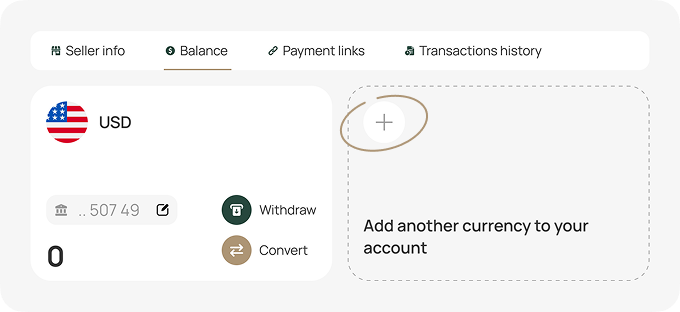
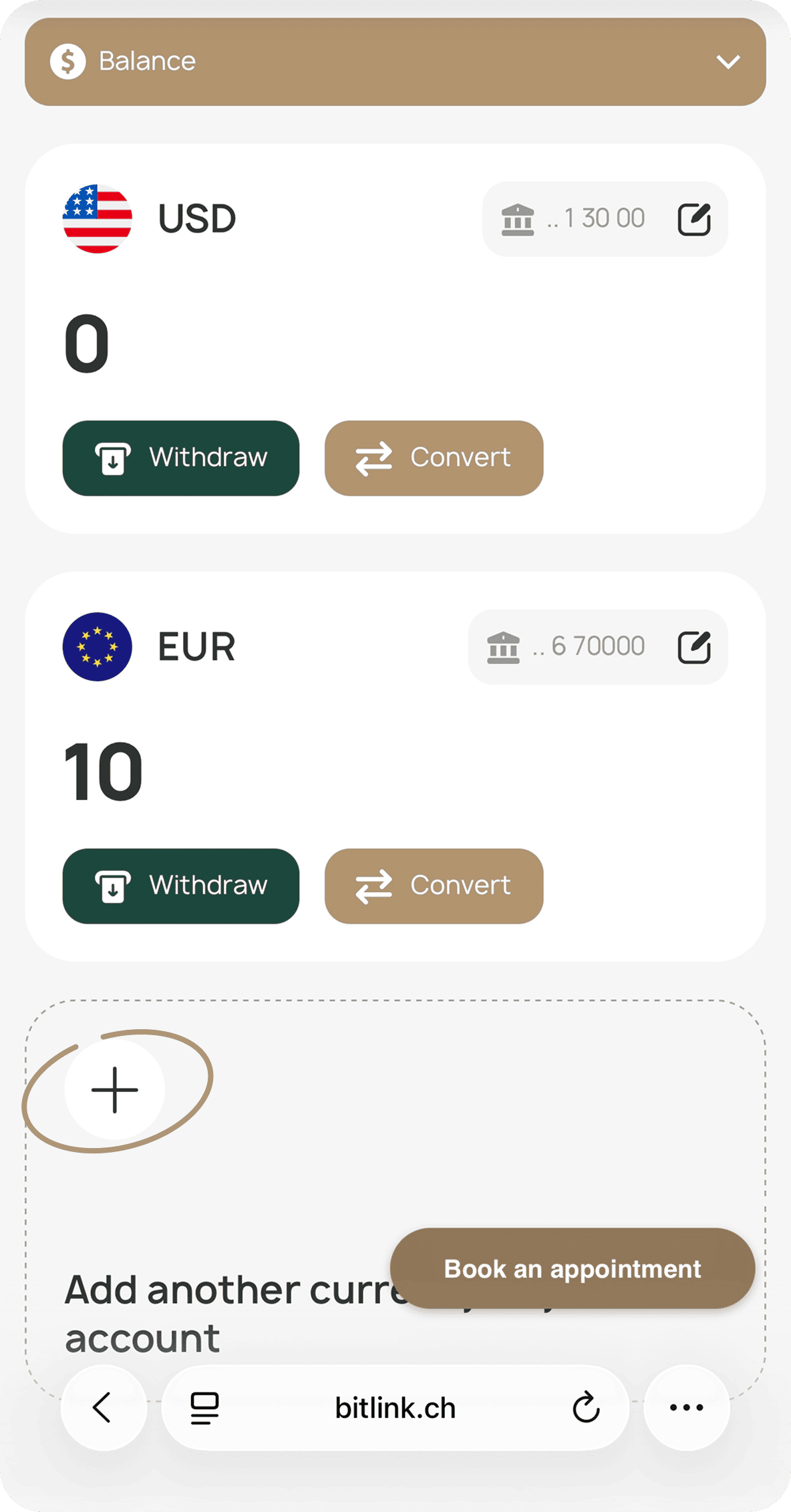
Now you can open balances in:

• EUR
• USD
• CHF

Documentation step image Documentation step mobile image
Documentation step 4 icon
Step 4

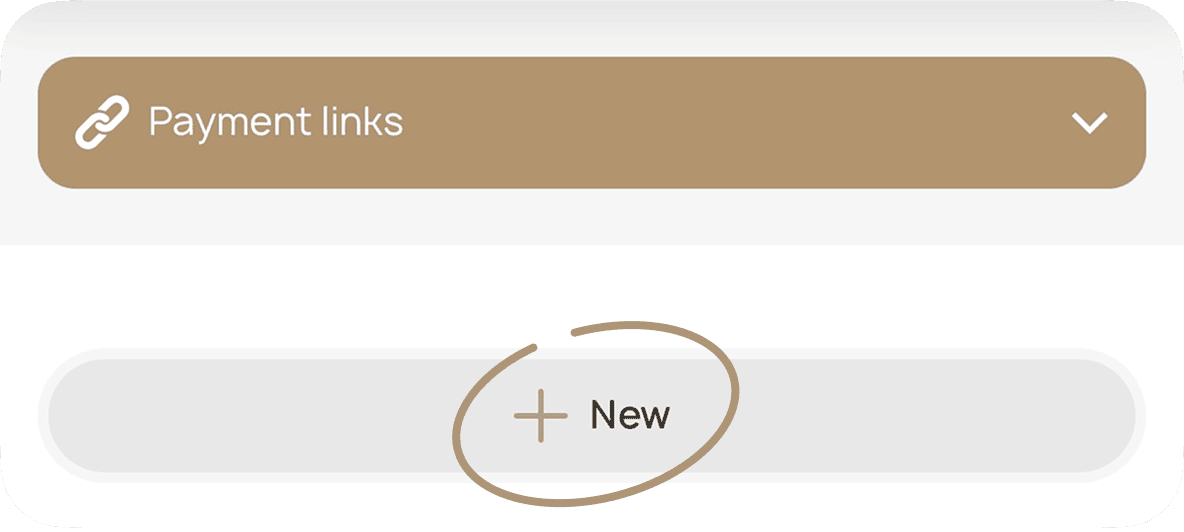
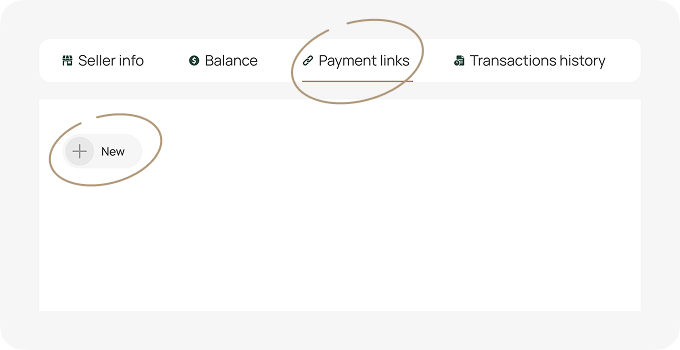
You’re all set to generate payment links.
Documentation step image Documentation step mobile image
Documentation step 5 icon
Step 5

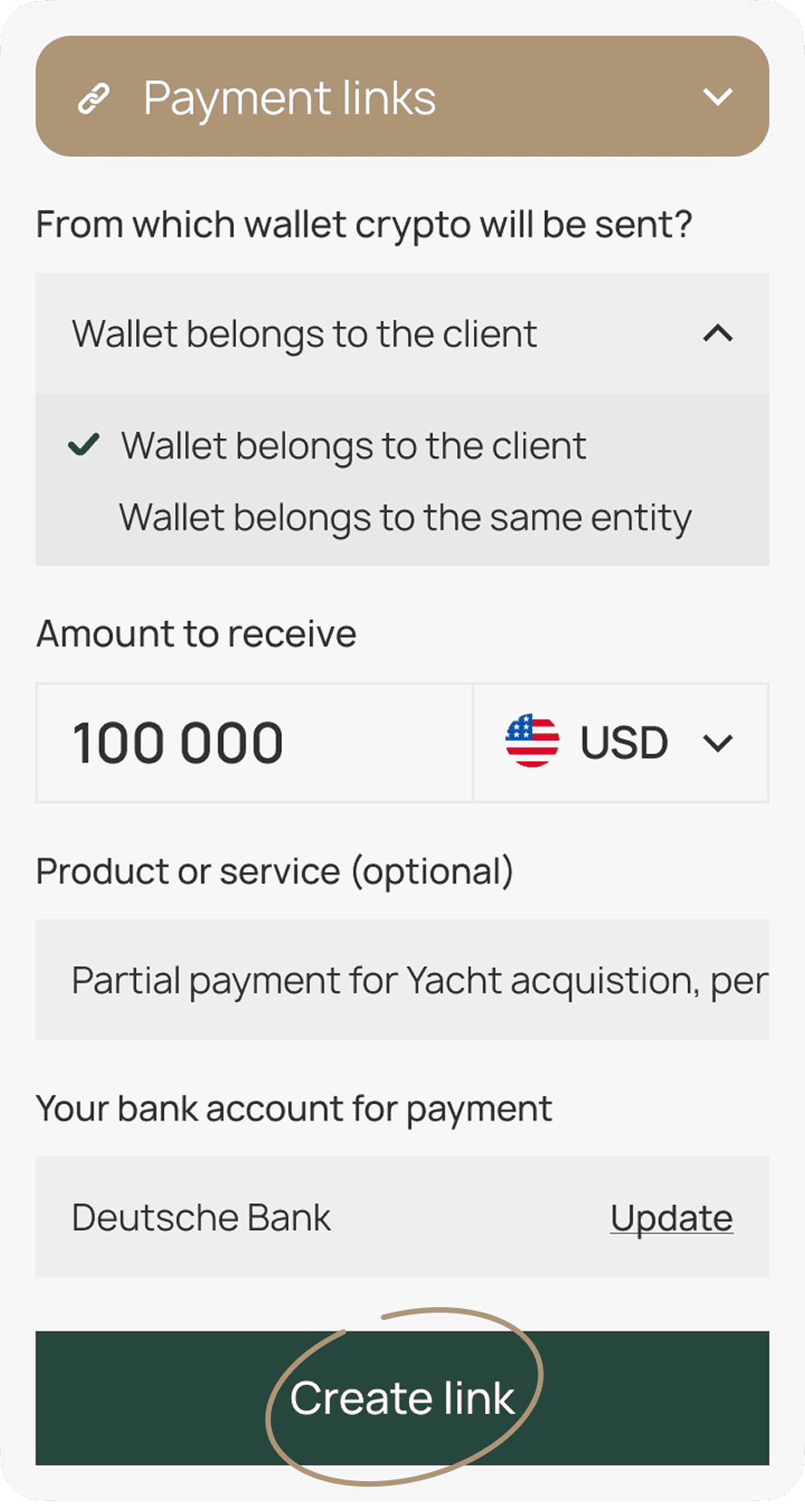
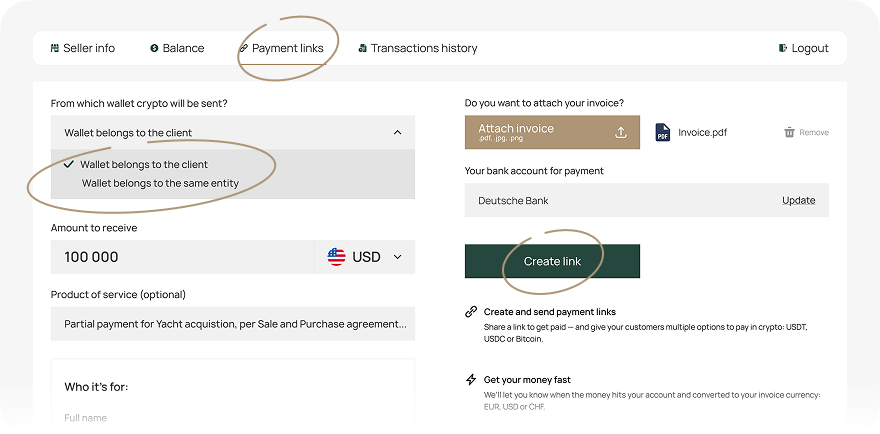
Select the payer by choosing one of the following options:

• Your entity’s funds

• Your client’s funds

Then click «Create link».
Documentation step image Documentation step mobile image
Documentation step 6 icon
Step 6

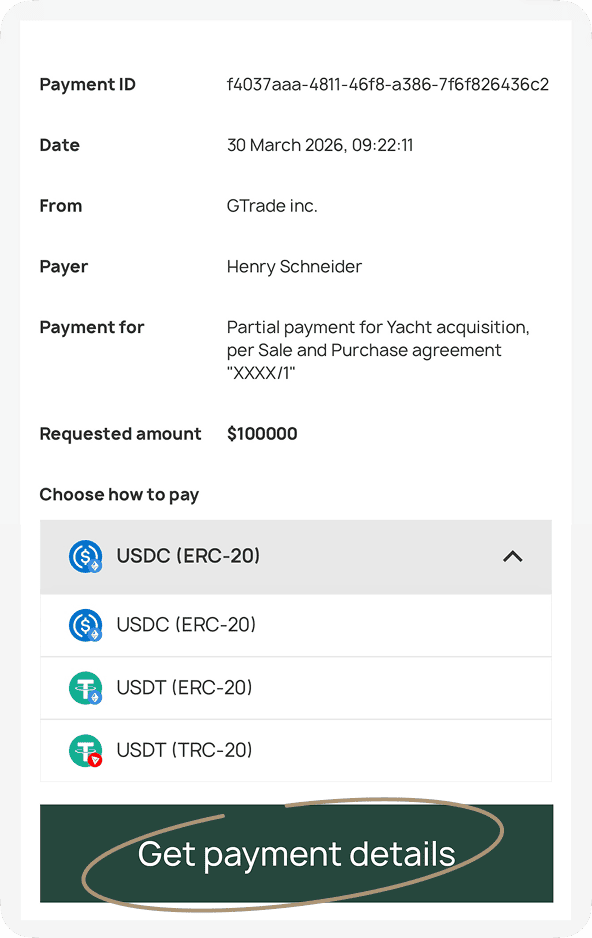
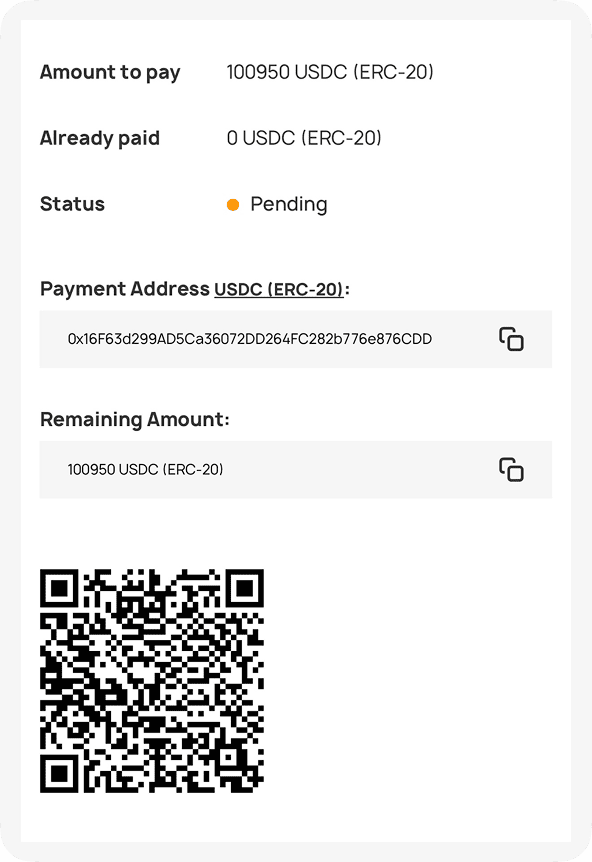
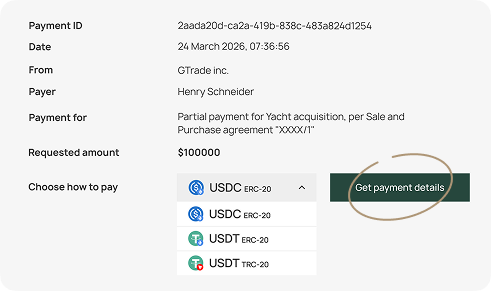
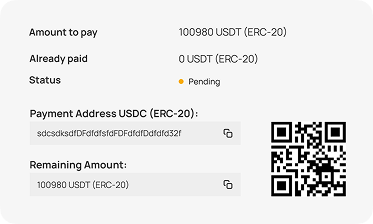
The payer opens the link, selects a cryptocurrency, views the payment address, and pays via QR code.
Documentation step image Documentation step image Documentation step mobile image Documentation step mobile image
Documentation step 7 icon
Step 7

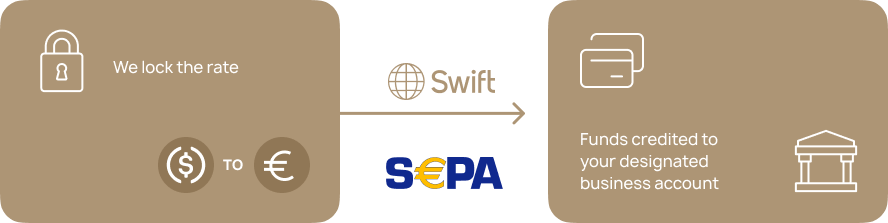
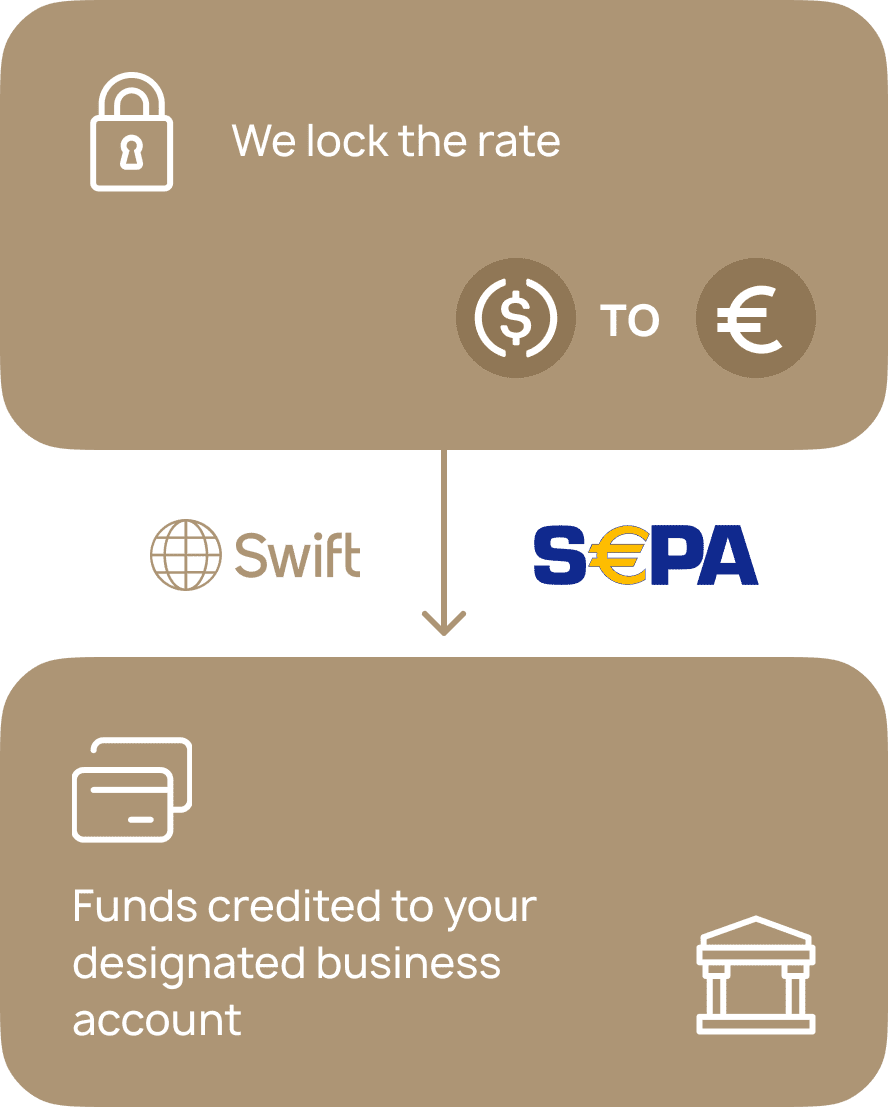
The rate is locked at payment, after which funds are transferred via SEPA or SWIFT to the merchant’s bank account.
Documentation step image Documentation step mobile image

Your browser has blocked the pop-up window.